
FREE ONLINE PDF TOOL
Merge PDF Online
Merge PDFs privately in your browser. Reorder documents, keep original page sizes and download one PDF. No file upload or account required.
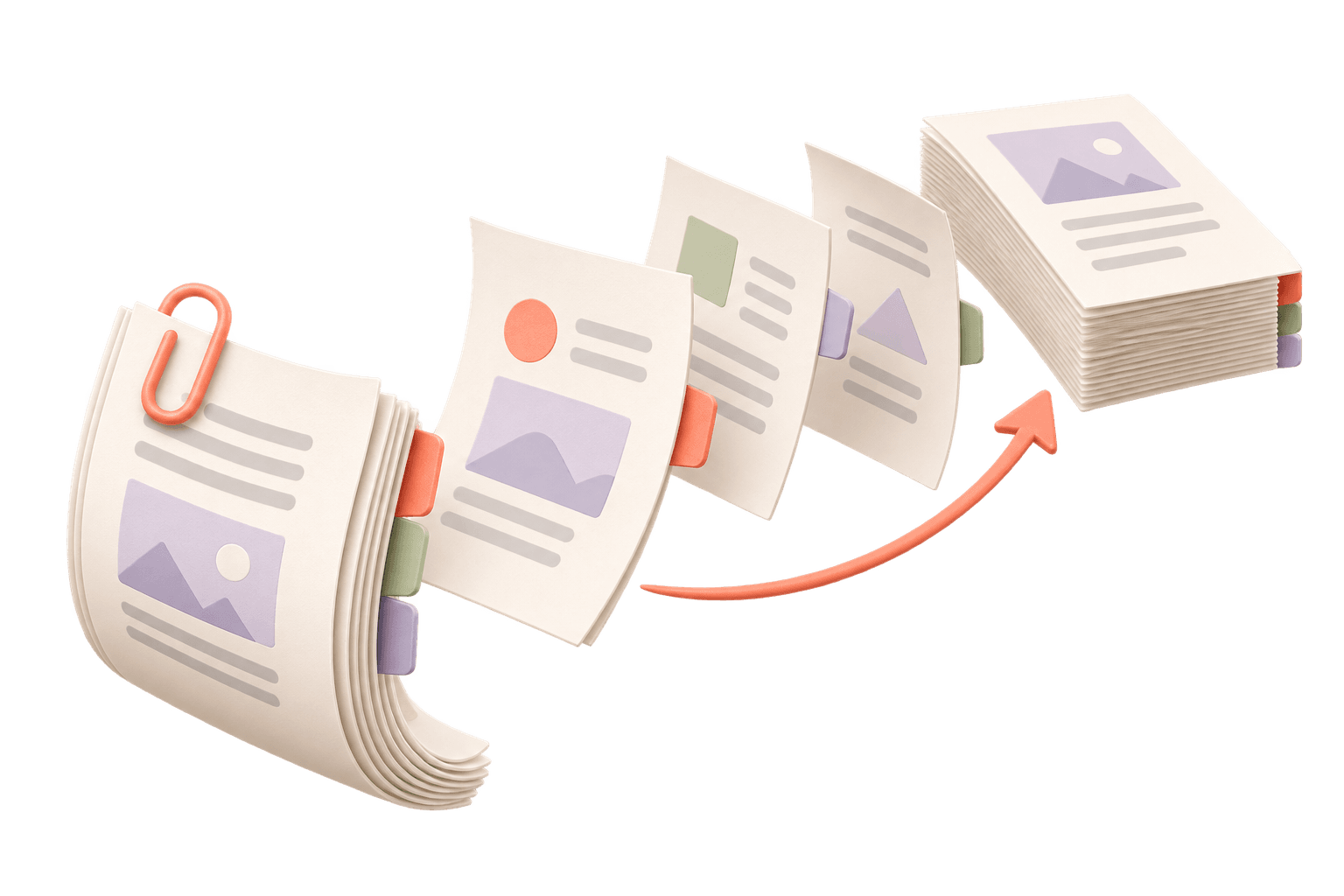
Bring your documents together.
Drop PDFs here. Files are processed on your device.
2–30 unlocked PDFs · 100 pages total · 20 MB per file · 50 MB totalHow do I combine PDF files into one document?
Choose two or more unlocked PDFs here, arrange their order and merge them. PDFLume keeps the original page sizes and creates a new combined PDF in your browser.
Supported files, output and limits
| Input | 2–30 unlocked PDF files |
|---|---|
| Output | One merged PDF |
| Order | Drag documents or use Move up / Move down |
| Page layout | Original page sizes and orientation retained |
Current limits: 20 MB per file, 50 MB, 30 PDF files and 100 pages total. Files are processed on your device. Use an unlocked PDF where applicable.
Arrange a report, attachments and appendix in one PDF
Place the main document first, then arrange supporting files in reading order. Every page of each document is included. The merger changes document order, rather than interleaving individual pages.
Details and limitations
If you only need part of an attachment, extract those pages with Split PDF first. Add the extracted PDF to this workspace and check the final order before downloading.
What to review after merging
Open the downloaded PDF and check transitions between documents, page orientation and any blank pages. Mixed paper sizes remain mixed in the result.
Details and limitations
Forms, annotations and digital signatures need a separate check. This tool combines pages; it does not certify that interactive fields or signed documents retain their original behavior.
Merge two PDFs and check the page order
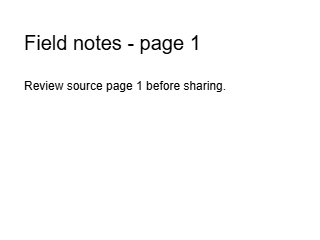
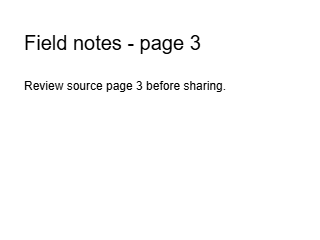
The first input contains source pages 1 and 3; the second contains source page 2. Merging in that file order produces three pages labeled 1, 3, 2. The tool preserves file order; it does not sort printed page numbers.
Two input PDFs
Input A · pages 1 and 3
Input B · page 2
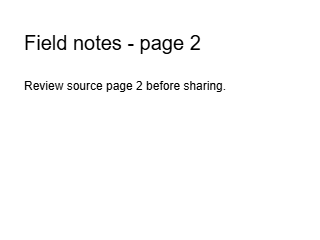
Merged PDF · 1 → 3 → 2
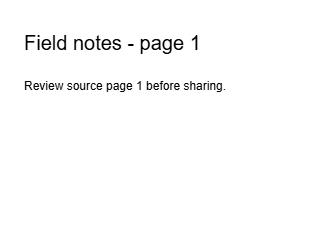
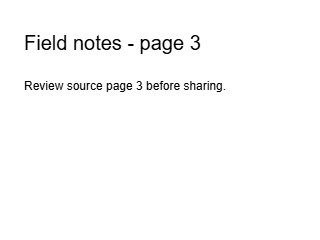
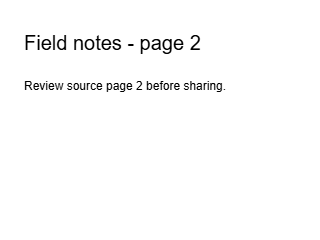
Actual pages rendered from the downloadable PDFs at 72 DPI. Open a preview to inspect it at full size.
Generated with PDFLume’s conversion modules and checked on October 8, 2026. Download the inputs to repeat the settings above and review the result.
How it works
01
Choose your PDFs
Select at least two documents, up to 30 files and 100 pages in total.
02
Arrange the document order
Preview the first page of each file, move documents earlier or later, and choose an output name.
03
Merge and download
Create one PDF in the displayed order, download it and review every page.
What to check before sharing
Review document order, forms, annotations and signatures. Merging does not validate digital signatures or repair damaged PDFs.
Questions before you start?
Can I merge PDFs with different page sizes?
Yes. The merged file keeps each source page size and orientation. It does not normalize them to A4 or Letter.
Can I merge only selected pages?
The merger includes every page in each chosen PDF. First use Split PDF to extract the pages you need, then merge those new files.
Will bookmarks, forms and signatures survive?
Do not assume interactive features are preserved. Review forms, annotations, bookmarks and signatures after merging before using the combined document.
Do I need to upload my documents?
No. Reading, ordering and merging happen in this browser. The downloaded PDF is a new file.

Try the workflow with a sample
Select Try sample files in the workspace above. The sample uses the same processing steps as your own files, so you can inspect the result before choosing a document.
Open Merge PDF OnlineRelated file tasks
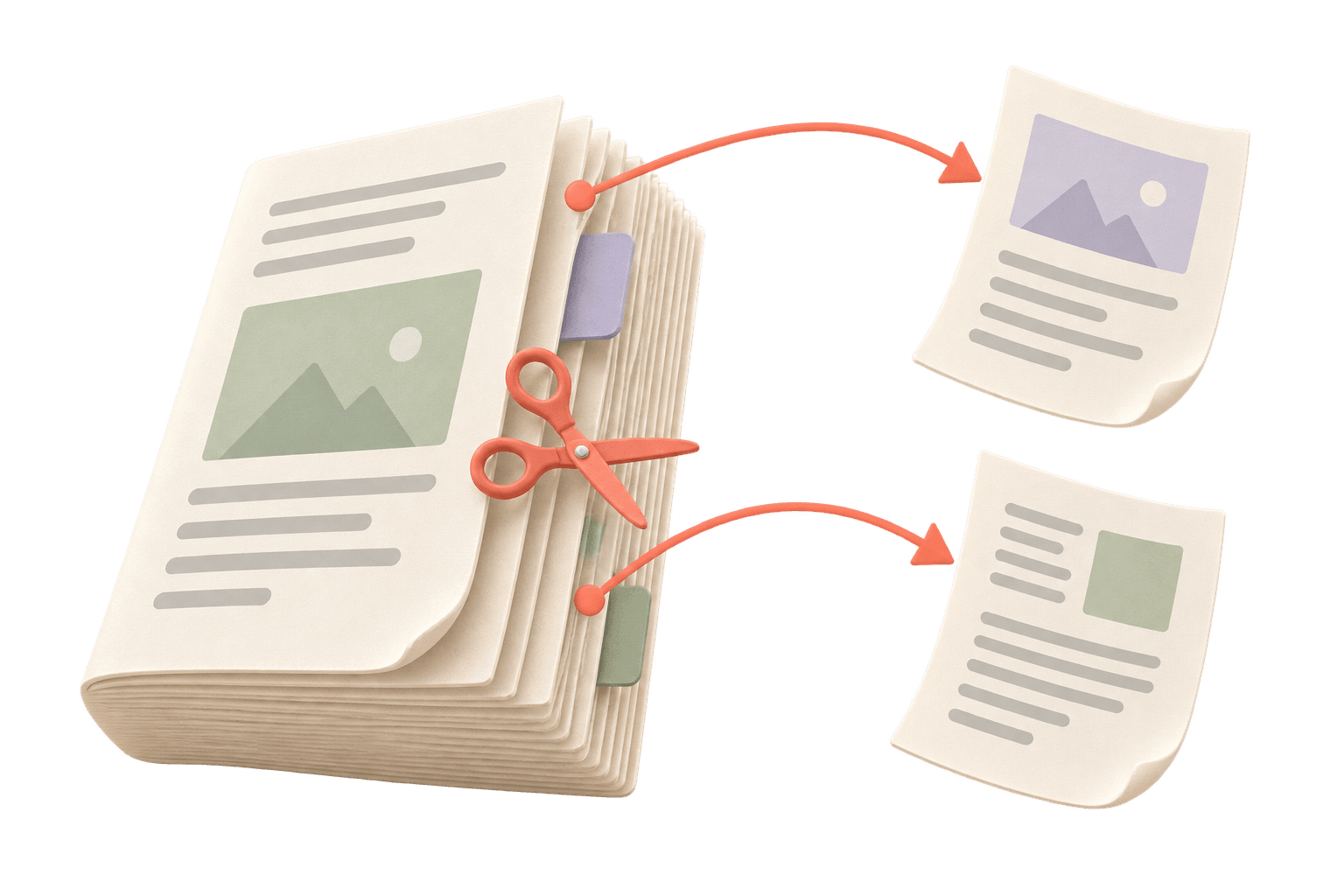
Split PDF Online
Extract the pages you need or save selected pages as separate PDF files. Your original document stays unchanged.
Explore the tool
JPG to PDF Converter
Put JPEG photos into a single PDF for printing, email or an application. Preview each page before downloading.
Explore the tool
PDF to Markdown Converter
Turn text-based PDFs into editable Markdown with page references. Review the source alongside the result before exporting.
Explore the tool