SIMPLE TOOLS FOR EVERYDAY FILES
Free Online
PDF Tools.
No uploads. No signup.
Convert images to PDF, merge or split documents, and export PDF pages as PNG, JPG or Markdown—all in your browser.
- HEIC, JPG and PNG to PDF
- Files stay on your device
- No account needed
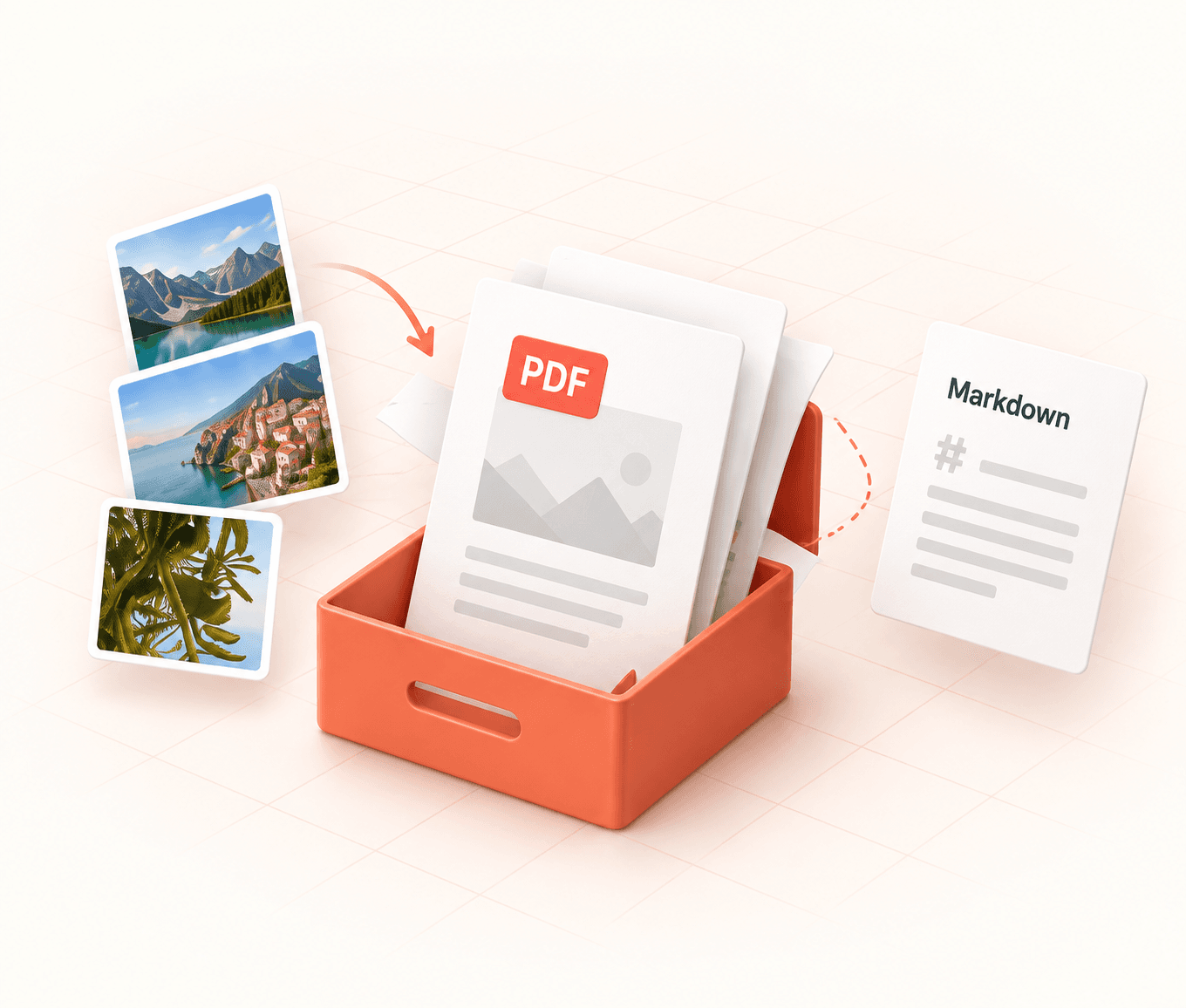
Good documents make the next step obvious.
Keep the original.
Review the output.
Share a fresh copy.
Good documents make the next step obvious.
Keep the original.
Review the output.
Share a fresh copy.
One toolkit. Six useful ways forward.
Convert, organize and export your documents — all in your browser.
Images to PDF
Turn HEIC, JPG and PNG images into a single PDF file.
Open tool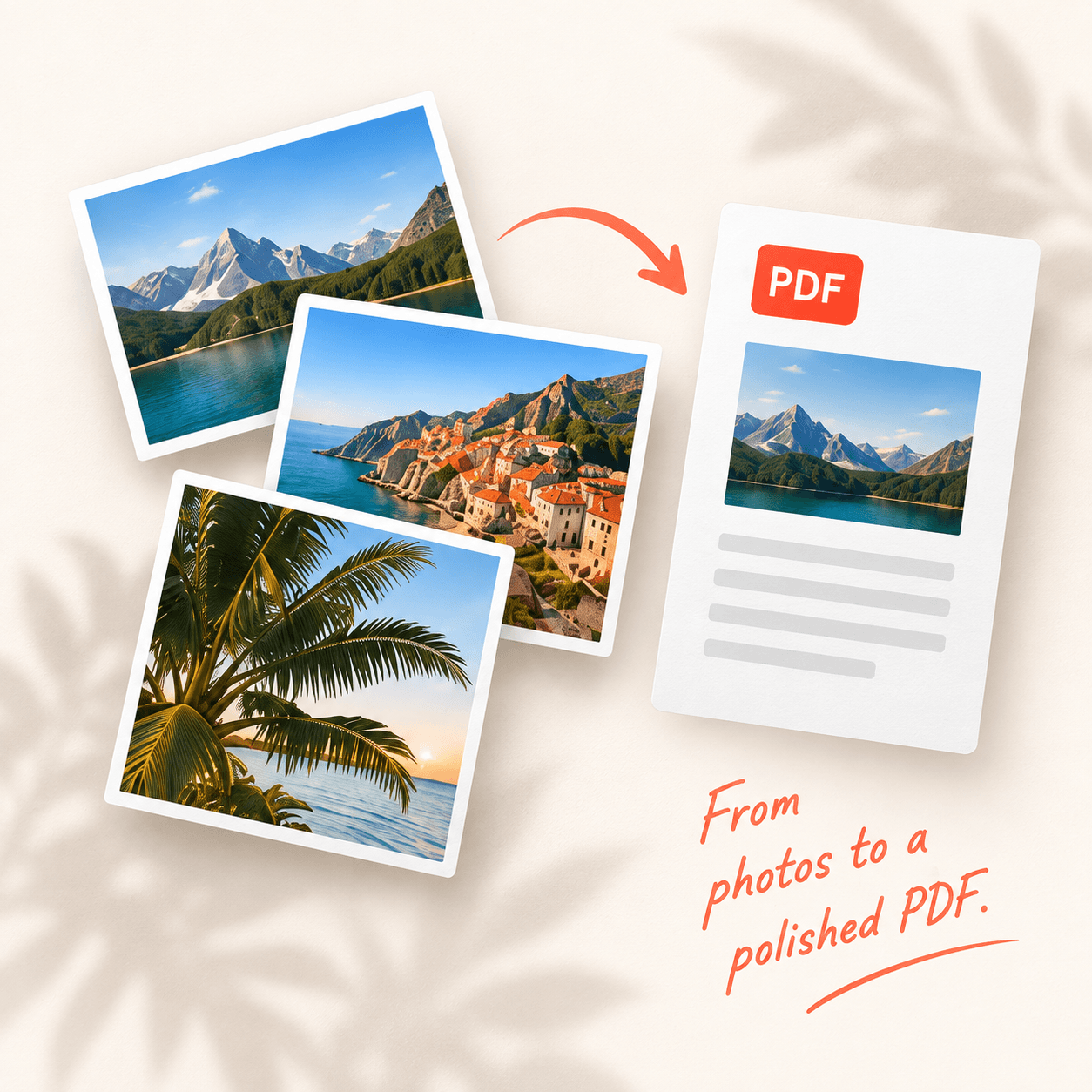
Merge PDF
Combine documents in the order you choose.
Open tool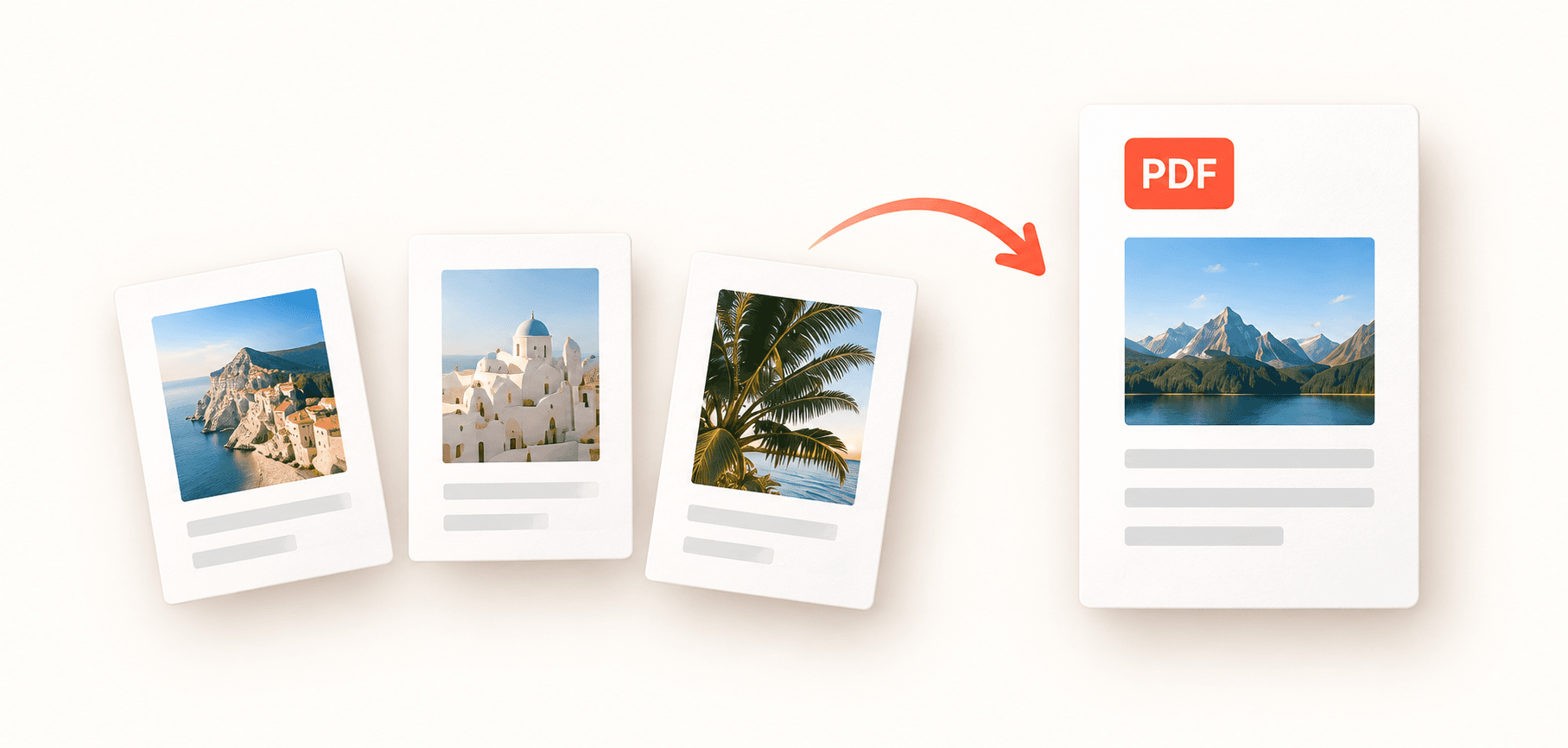
Split PDF
Extract selected pages into new files.
Open tool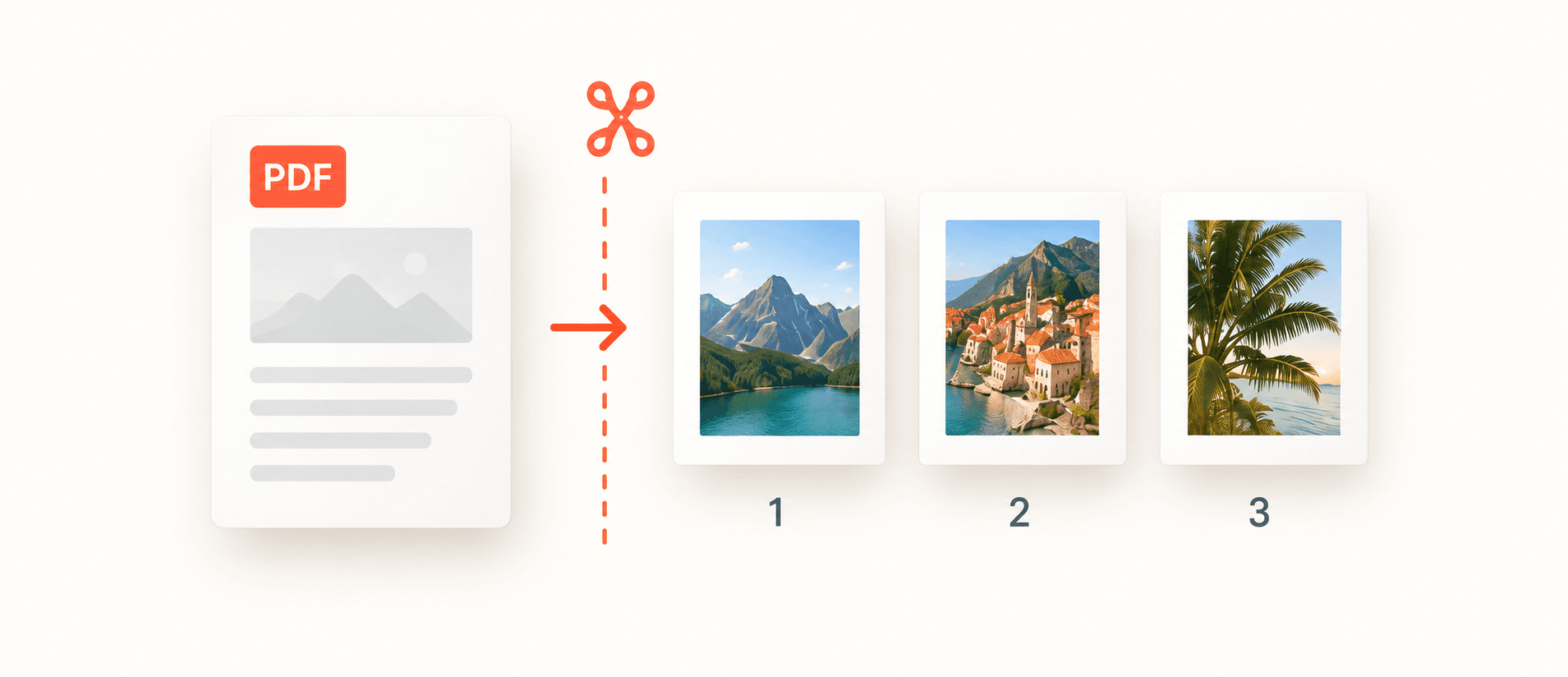
PDF to PNG
Export PDF pages as PNG images.
Open tool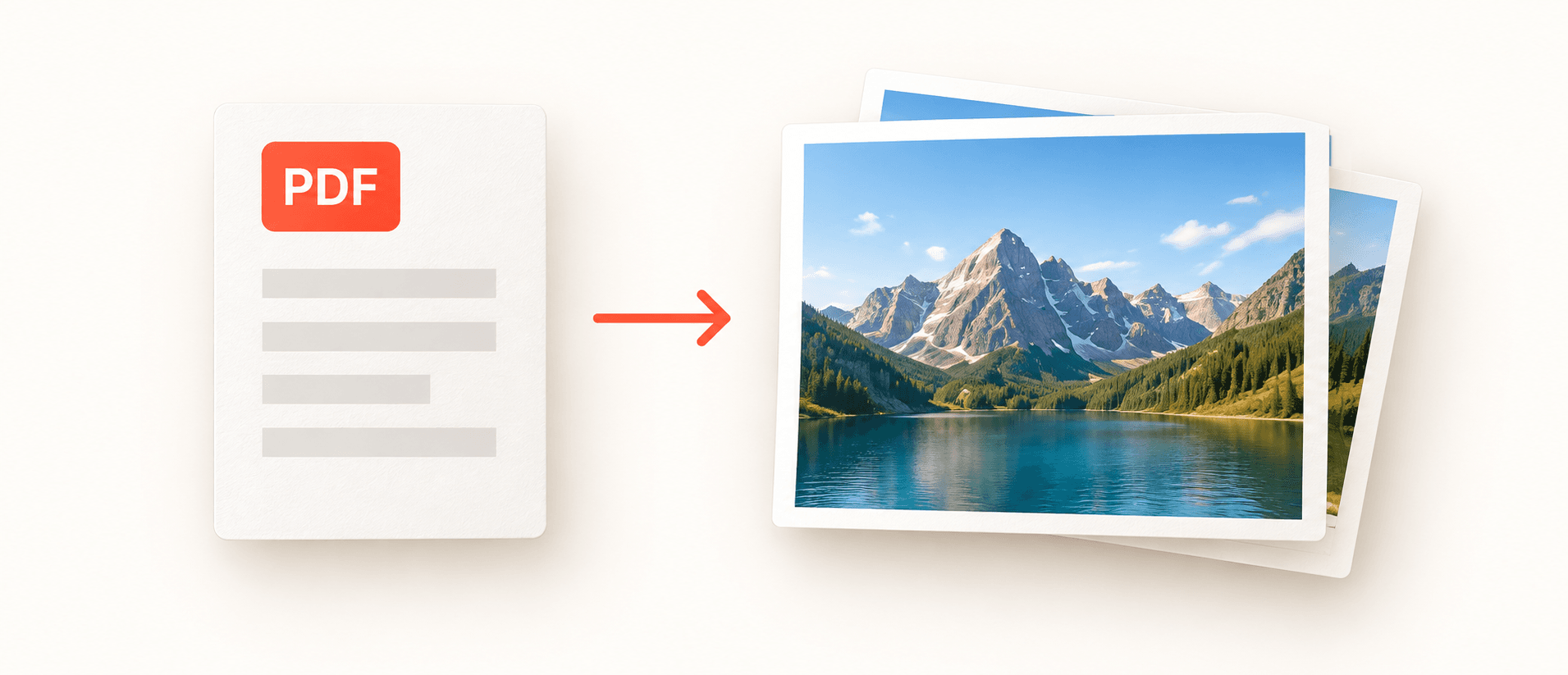
PDF to JPG
Share PDF pages as lightweight JPG images.
Open tool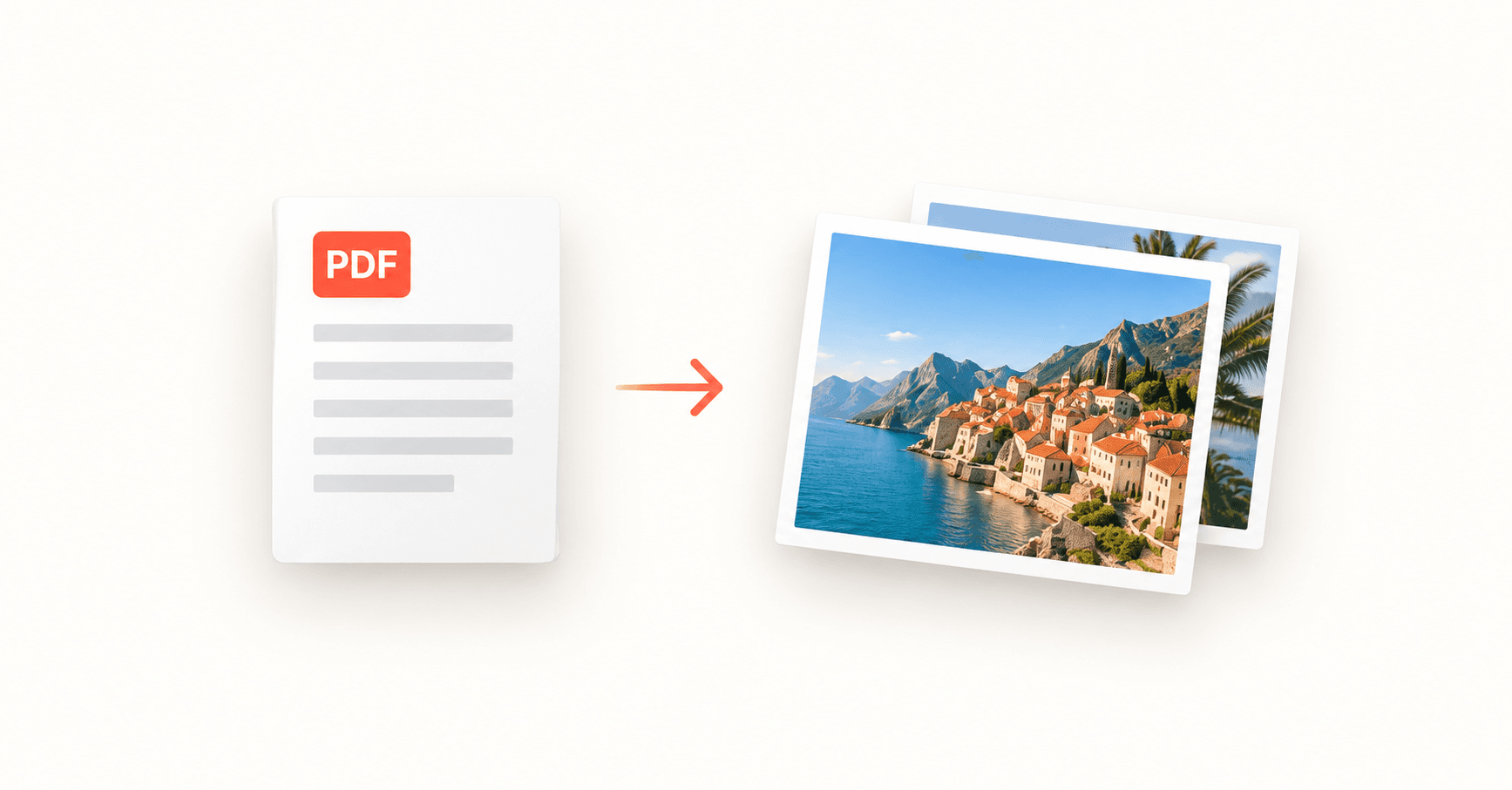
PDF to Markdown
Editable text with source page markers.
Open tool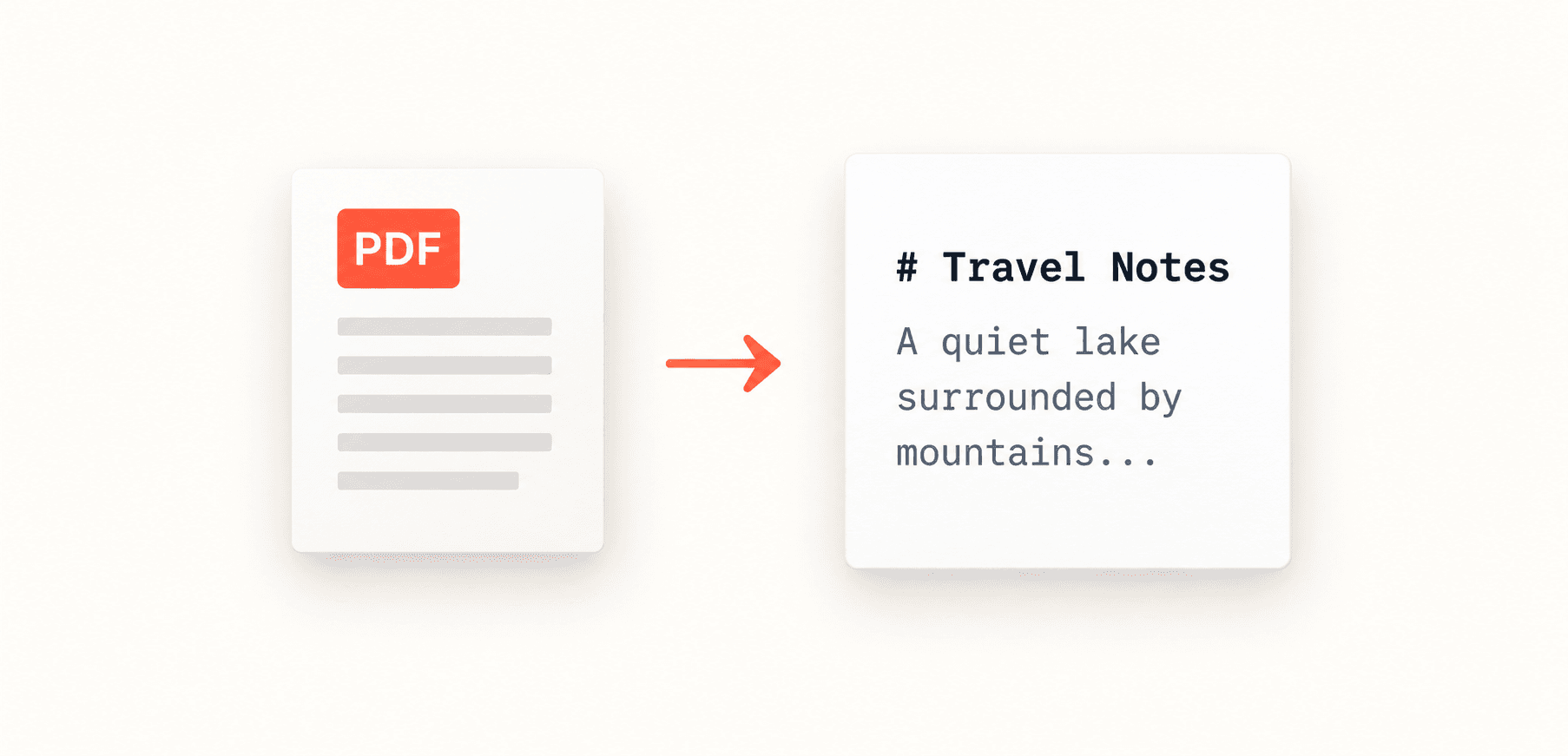
From your files to a finished document.
A simple process, designed to get you from your files to the result you need.
Choose a tool
Choose image conversion, merging, splitting or Markdown.
Review your files
Choose and arrange the preview, then adjust the settings.
Download a new copy
Save the result. Your original files stay unchanged.
PRIVATE BY DESIGN
Your files stay yours.
Documents are processed on your device.
Your originals stay unchanged.
All processing happens in your browser using your device’s memory.
Your original files are never uploaded for conversion.
No account needed. Free tools, with no sign-up required.
Scanned PDFs need OCR before conversion to Markdown. Use a text-based PDF with selectable text.
GOOD TO KNOW
A few things
worth knowing.
Clear answers to common questions about PDFLume.
Are the tools free?
Yes. All six browser tools are free to use without an account. Choose your files or try the built-in samples.
Are my files uploaded?
No. Conversion runs locally in your browser. File contents are not sent to our servers or an AI service. Closing the tab releases the files.
Can I use scanned PDFs?
Scanned pages can be split or exported as images. Markdown needs a text layer, so scanned documents require OCR first.
Which formats are supported?
The first release covers HEIC/JPG/PNG to PDF, PDF to PNG/JPG, PDF merging and splitting, and text-based PDF to Markdown.
GET STARTED
Make room for better work.
Free PDF tools for the files you deal with every day.
Explore free PDF tools